Contacts and companies
Store people and the companies they work for, with notes on each conversation. Search across records and import contacts from CSV.
Clientlane runs in your browser and stores your records in a database on your own computer.
It is built for freelancers, consultants and solo operators who are comfortable installing Node.js and keeping a terminal window open while it runs.
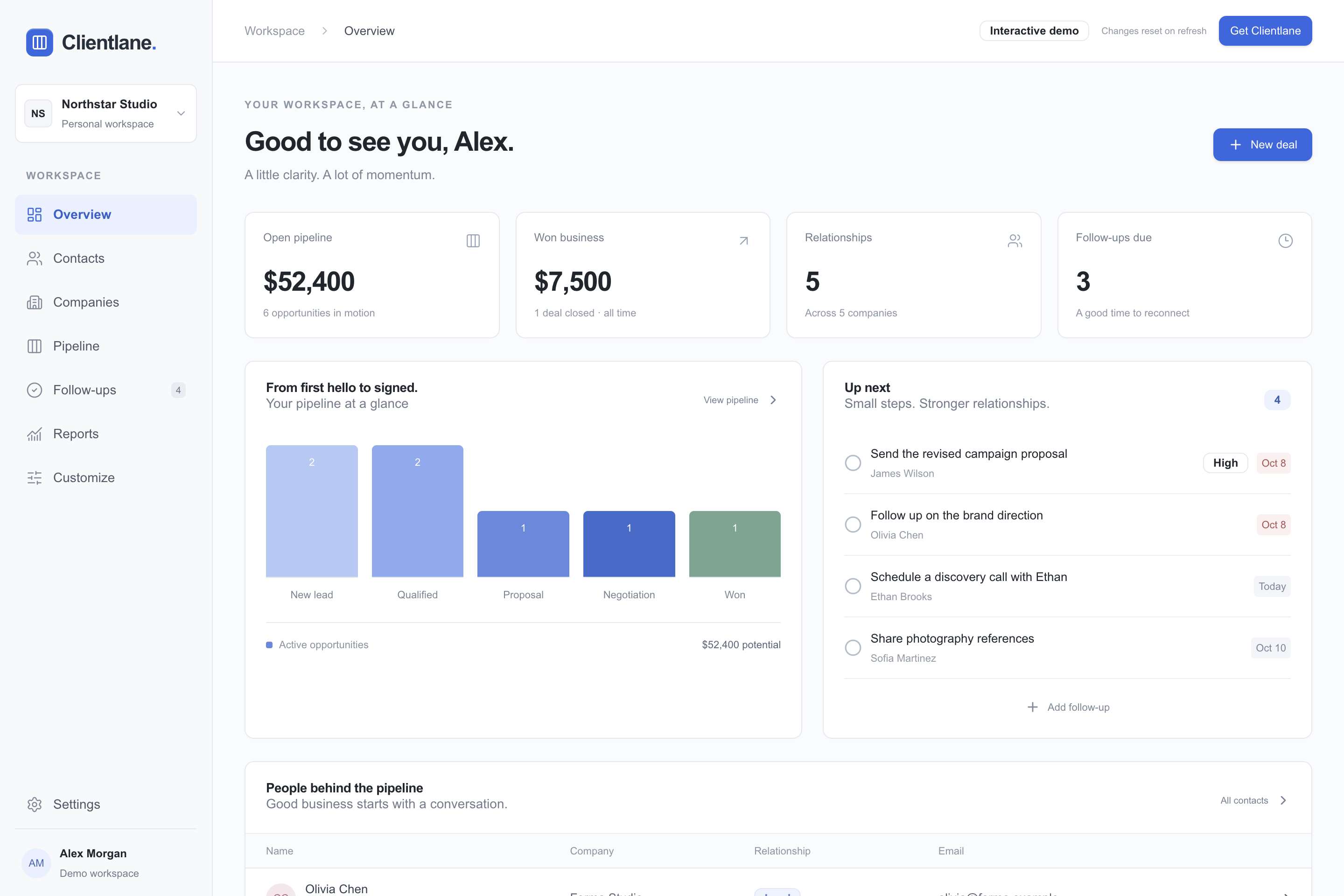
Each contact keeps its company, notes, deals and follow-ups together, so the history is in one place before you call.
Store people and the companies they work for, with notes on each conversation. Search across records and import contacts from CSV.
Track each deal’s value and stage: new lead, qualified, proposal, negotiation, won or lost.
Give each follow-up a due date and link it to a contact or deal. The overview lists what is due.
Clientlane stores contacts, deals and notes in a SQLite database in your installation, not on a hosted server. You can export contacts to CSV or download a full workspace backup at any time. You are responsible for keeping backups.
See the installation stepsRecords and sign-in accounts live in this installation’s database.
CSV contact exports and portable workspace backups with restore.
Lite is open source on GitHub. Pro includes its full source for private customization.
Lite is free. Pro is a one-time purchase for people who need more than one pipeline, custom fields or reports.
For tracking contacts and deals in a single pipeline.
For multiple pipelines, custom fields and reporting.
Freelancers, consultants and small-business owners who want their CRM records on their own computer and are comfortable installing Node.js and running a launcher. If you need a hosted CRM that a team signs into from anywhere, Clientlane is not the right fit today.
Node.js 22.13 or newer and a modern browser on macOS, Windows or Linux. Extract the download and open its launcher, which runs in a terminal window that must stay open while you use Clientlane. The first launch needs internet access and a few minutes to install dependencies and build. It is a browser application, not a native desktop app.
In a SQLite database on your computer. Each local account has its own workspace. Backups are your responsibility; portable exports and full installation backup instructions are included.
Yes. Pro opens your existing local installation data, or you can restore a Lite workspace backup into a new Pro account. Make a backup before upgrading.
Pro is a local application with separate workspaces per account. Shared team workspaces, cloud hosting, and email or calendar integrations are outside this release.
The downloaded Pro version for your own use, including source code, local setup, backup, and recovery tools. It does not include a hosted service or a promise of all future major versions.